
Almost every digital workplace problem turns out to be a structure, requirements or user experience problem rather than a technology one. So we start there. Whether it ends up being an intranet, a knowledge platform or AI search, the foundations get planned before anything gets built.
What we are known for
Discovery before technology
Structure, business requirements and user experience first. The platform decision comes after we understand the problem, not before.
Twenty years of UX inside a Microsoft consultancy
An unusual combination. Most Microsoft partners have engineers. Most design agencies do not have twenty years of SharePoint.
We will tell you not to build
Native SharePoint, a custom build, or one of our own products - whichever is genuinely right. Sometimes the answer is that you need none of them.
Trusted by businesses from a hundred employees to fifty thousand, worldwide
Pharmaceuticals, financial services, health technology, consulting, transport, legal, real estate and retail – delivered across the UK, US, Canada, Europe, the Middle East and Asia Pacific.



Content Formula is a UK digital workplace consultancy founded in 2005, working with enterprise and mid-market organisations globally. We design and build digital workplaces on Microsoft 365 – SharePoint, Teams, Viva, the Power Platform and AI search – and we have delivered hundreds of projects, largely in financial services, healthcare, pharmaceuticals, consulting, transport and the public sector. We also build two products of our own: Lightspeed365, a SharePoint intranet, and Xoralia, policy management software.
Microsoft 365 was chosen. Teams sites were spun up as people needed them. Content went wherever there was room. Every one of those decisions was reasonable at the time. What follows is close to verbatim.
"We have the tools. We just do not have a structure."
Microsoft 365 is fully licensed and largely unstructured. Sites were created on request, naming happened by habit, and nobody owns the shape of the whole thing.
"We keep rebuilding things we have already built."
The proposal, the template, the research all exist somewhere. Nobody can find the current version, so someone writes it again - and now there are two.
"Every stakeholder wants something different, and none of them has asked the users."
Requirements come from the loudest voice in the room rather than from evidence. The brief ends up describing the org chart instead of the job.
"We turned Copilot on and it confidently told people the wrong thing."
It found the 2021 version. AI has not created a new problem - it has made an old content problem visible and expensive.
"That approval still runs on a spreadsheet and someone chasing emails."
A form somebody rebuilt in Excel, a handoff nobody owns. The licences to fix it are already paid for and sitting unused.
"We do not want to spend another year rebuilding the wrong thing."
The last programme delivered what was specified and did not fix what was wrong. This time there is pressure to be certain before the budget is committed.
Underneath all six is the same thing, and it is the most common feature of a digital workplace project that has gone wrong: the technology was chosen before anyone wrote down the requirement. The platform then answered a problem nobody had defined, and no amount of configuration afterwards fixes that.
If more than one of those landed, the starting point is usually the same. Here is how an engagement actually starts.
Four outcomes, in the order they usually need solving. “Digital workplace consulting” means something different at every firm that sells it – the full scope of what ours covers is published in detail, rather than left to emerge during a project.
Structure, business requirements and experience design. The work everything else depends on, and the reason we start here rather than with a platform.
Making the knowledge you already own reusable - proposals, research, project history, expertise. Distinct from records management: this is reuse, not retention. It is also what makes Copilot trustworthy rather than confidently wrong.
The processes still running on a spreadsheet and an inbox. Power Apps, Power Automate and custom SharePoint development, built where they genuinely earn their place and governed so citizen development does not become the next problem.
Native configuration, a custom build, or one of our own products - whichever the discovery pointed to. Then migration, adoption and the years afterwards.
There is more than these four – migration, Copilot readiness, information architecture and managed support among them.
Almost every organisation we speak to now has an AI question in the room. Very few of them have a new problem.
Copilot answers from the content it can reach. Where that content is duplicated, unowned, years out of date or wrongly permissioned, it will say so to your people – confidently, and in front of an audience. The organisations getting value from it are the ones whose content was already structured, owned and correctly permissioned. That is not an AI project. It is the same audits, ownership, taxonomy and metadata work that makes anything findable, and it is what we have been doing since 2005. AI has only made skipping it urgent and expensive.
We do not sell Copilot licences, so we have no reason to recommend more of it than you need. Sometimes the honest answer is that your content is not ready, and a rollout now would cost you more trust than waiting would cost you time.
A few weeks establishing the foundation, rather than building for today
The pressure is always to get on with it. Something is visibly not working, a budget exists, and a few weeks of research looks like a few weeks of nothing happening.
What those weeks establish is the foundation everything after them sits on – what your business actually needs, what your employees actually need, and what you already own that has never been set up to do it. Frequently that changes the answer. A requirement that arrived as “we need a new intranet” turns out to be a structure problem, or a configuration of Microsoft 365 you are already paying for.
Build for today’s requirement without that and it works, right up until the point it does not scale – and you commission the same project again.
Fixing a foundation after the fact costs a multiple of getting it right at the start, and not because the work is harder. By then there is content in it, people are using it, and you are migrating and retraining rather than building.
Designed around how people work, on the devices they work on
Most organisations we speak to have done this before, and the thing they remember is that nobody used it. That is rarely a build failure. It is what happens when the functionality gets designed and the experience of using it does not.
So we work in the specifics. How many clicks to the thing people came for. Whether it works properly on a phone for someone who does not sit at a desk. Whether the feature used forty times a day is at the top of the page or the bottom. Whether it meets accessibility requirements rather than technically passing them. Whether anyone still has to ask where something is stored.
Adoption is not a campaign you run after launch. It is the result of those decisions being made deliberately.
We start with what Microsoft 365 already does, and only move past it when the requirement forces us to
The expensive version of this is choosing a platform and then finding you already had a solution for it – it had simply never been configured. Microsoft 365 is a comprehensive set of tools and getting the best from it is a specialism in itself. Your IT team is covering network, infrastructure, security and everything else besides; this is not where their depth sits, and there is no reason it should be.
So a discovery before a purchase frequently turns up Microsoft capability that already fits the requirement, or configuration nobody knew was available. We establish what native can support first, then look at whether a custom build or a product is needed to close whatever is left.
Knowing exactly where native stops is the point of that sequence. The line moves with every Microsoft release, and keeping track of it is what makes starting there a judgement rather than a slogan – we are not hoping SharePoint will stretch far enough, we know where it does.
Sold and supported by the same team that does the consultancy. Both are built on your own Microsoft 365 tenant, so your content and your permissions stay where they already are and there is no separate platform for IT to take on.
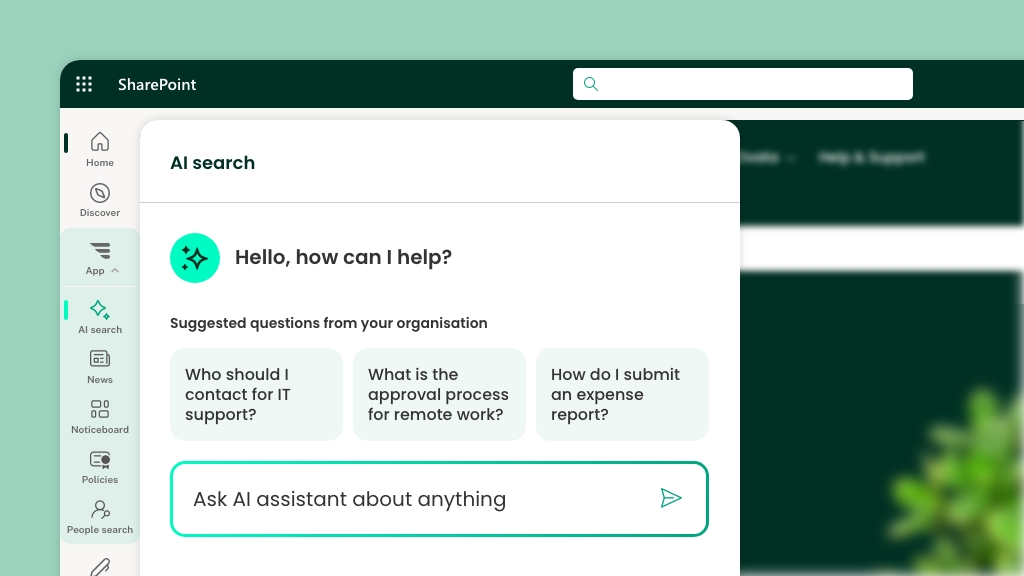

Extends native SharePoint into a richer, properly branded intranet – the navigation, targeted news, people search, dashboards and analytics SharePoint does not give you out of the box. Still SharePoint underneath, so there is nothing new for IT to learn or run, and it goes live in weeks rather than quarters.
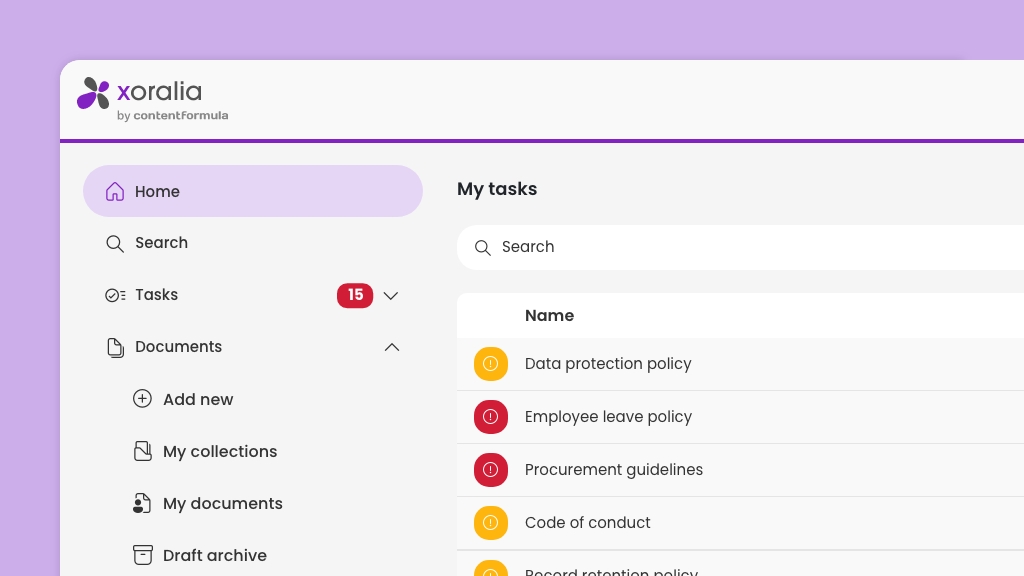

Policy distribution, acknowledgement, scheduled review and audit evidence, automated inside Microsoft 365. For regulated organisations currently chasing reviews by email.
Why we built them. Both products exist because we kept rebuilding the same foundations from scratch for every client – navigation, news, people search, branding, analytics, policy attestation. Doing that from zero ran into six figures and took months. So when a product is the right answer, it is usually because rebuilding it would be worse value, not because we would rather sell it. And when native Microsoft 365 already covers what you need, we will say so.
Rated 4.9 on Google


Gtechniq
IT Manager
The Specialist Works

IT Manager
Valeo Foods
The first conversation is with a digital workplace consultant, not an account manager, and nothing about it commits you to anything.
Thirty minutes to work out whether the problem you have described is the problem you actually have. Often it is not, and that is usually the most useful half hour of the whole process.
Usually with Jeremy Stewart, digital workplace consultant.
Fixed-price, covering the ground above: user and stakeholder research, technical review, experience design, and a costed roadmap you own outright - whether or not you build it with us.
2-6 weeks depending on scale and geography.
Native configuration, custom development, or our own products. Then migration, adoption and support for the years that follow.
Managed support available in UK and US time zones.
BlogDigital workplaceIntranetIntranet strategy
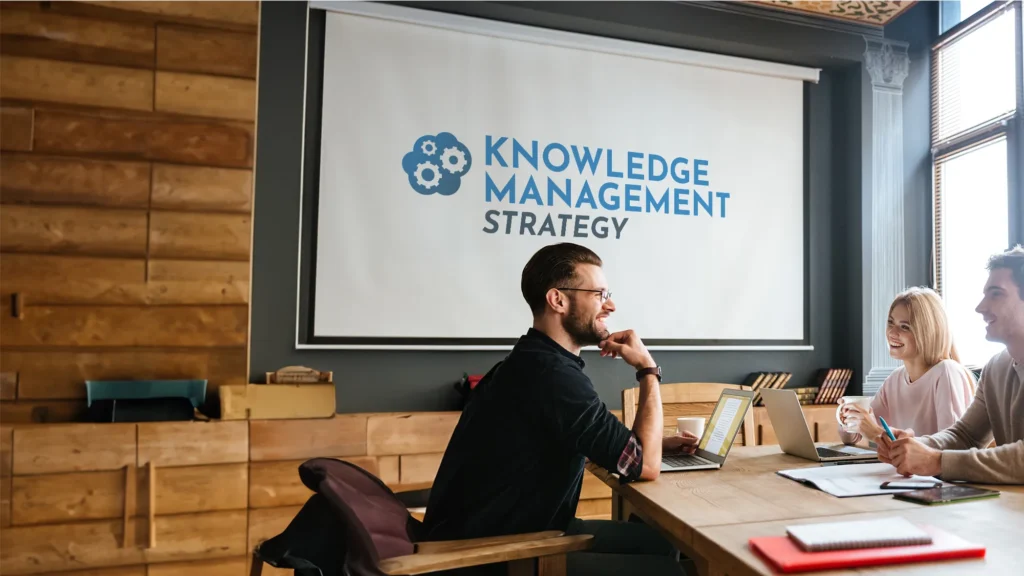
How to create a knowledge management strategy in 2026 - what it should contain, which framework to use and the eight steps to write one.
23 October 2026
Blog
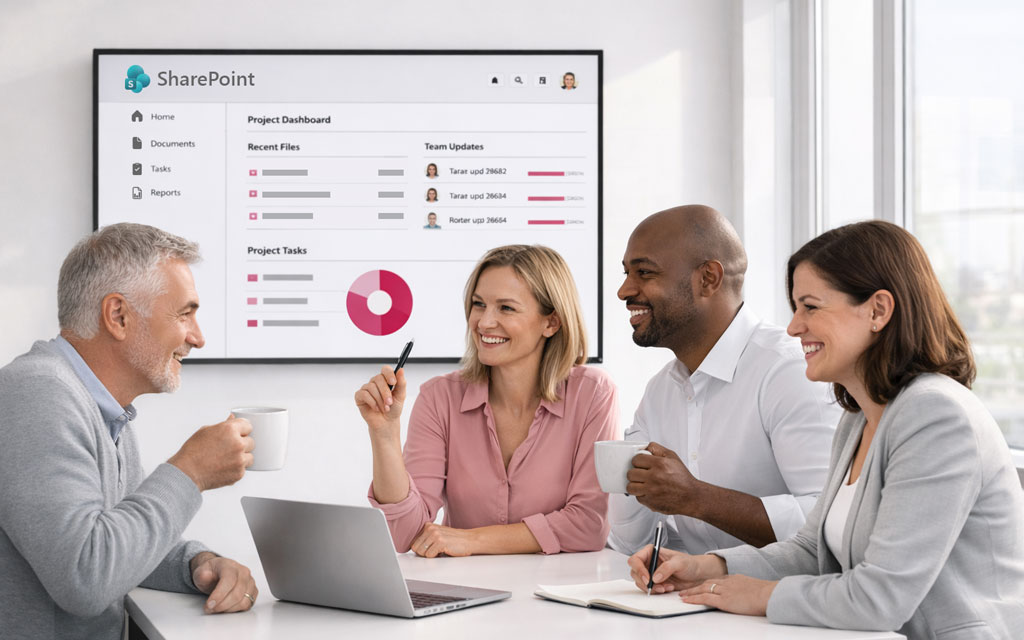
Finding the right SharePoint consultancy to work with on your project can sometimes feel like a real challenge, and it can be hard knowing where to start. In this post we provide some tips and advice on what to look for in a good SharePoint consultancy.
19 October 2026

Blog
What a digital workplace strategy needs to contain, why most of them fail, and how to build one on evidence rather than assumption. Six components explained.
2 October 2026
Tell us what is not working in your digital workplace. Sometimes Microsoft 365 already does what you need but it has not been set up that way. Often it can do most of what you need but not 100% out of the box – and shaping it around the way your business runs is the key. Where it genuinely cannot, we will tell you.
In our case: works out how your organisation uses information, then designs the Microsoft 365 environment around that rather than the other way round. In practice that means research, information architecture, storage and metadata design, governance, search, automation, and the build and support that follows. What it does not mean is reselling software or running your IT estate.
Because an intranet, a knowledge platform and an AI search project look like three different briefs and are usually the same four problems in a different order. Structure, requirements, user experience, then technology. Almost none of the decisions people arrive wanting to make can be made well without knowing which of those four is actually broken.
Not every engagement needs one. If you already know what is wrong and why, we will pick it up from there. Where the problem is not yet clear, a discovery is the cheapest part of the project and the part that decides whether the rest of it works.
Often, yes – and more often than the market admits. A meaningful share of what organisations ask us to build already exists in Microsoft 365 and has simply never been configured. Where native falls short it is usually in a specific, identifiable place rather than everywhere, and knowing which is which is most of the value of a discovery.
The discovery is fixed price, agreed before it starts, and you own everything it produces. It also produces costed options for whatever comes next, so the first project number you see is built on your own estate rather than on an average.
Build work is either fixed price against a defined scope or a monthly retainer, depending on how much is still likely to move. We will give you an indicative range on the first call rather than making you wait for a proposal.
Because the impartial question is not which platform – it is what you need within Microsoft 365. Native out of the box, some configuration, one of our add-ons, or a custom build. The discovery is fixed price and you own what it produces, and we are paid the same whichever of those four the roadmap points at, including when it points at buying nothing at all and setting up properly what you already own.
Worth being clear about the limit: everything we do is built on SharePoint and Microsoft 365. We do not advise on platforms outside it, so if you want a genuinely platform-agnostic evaluation we are the wrong firm rather than an impartial one – and we will tell you that on the first call.
Yes, and it is one of the most common reasons organisations get in touch. Deciding what is worth keeping, who is accountable for curating it, and what should be retired is a knowledge management problem before it is a technology one. Our Microsoft 365 knowledge management work starts from what people actually reuse rather than from what has been stored.
We use cookies to enhance your experience. You can accept, reject, or customise your choices. Learn more via our links below.